Get System Information for Your GitHub Issues
We've all been there. You o have a problem with a package so you head over to GitHub to file an issue. Then you see the "Please tell us about your environment".
Finding your system information (MacOS) the slow way
Traditionally, I would get my system information with

Using system_profiler
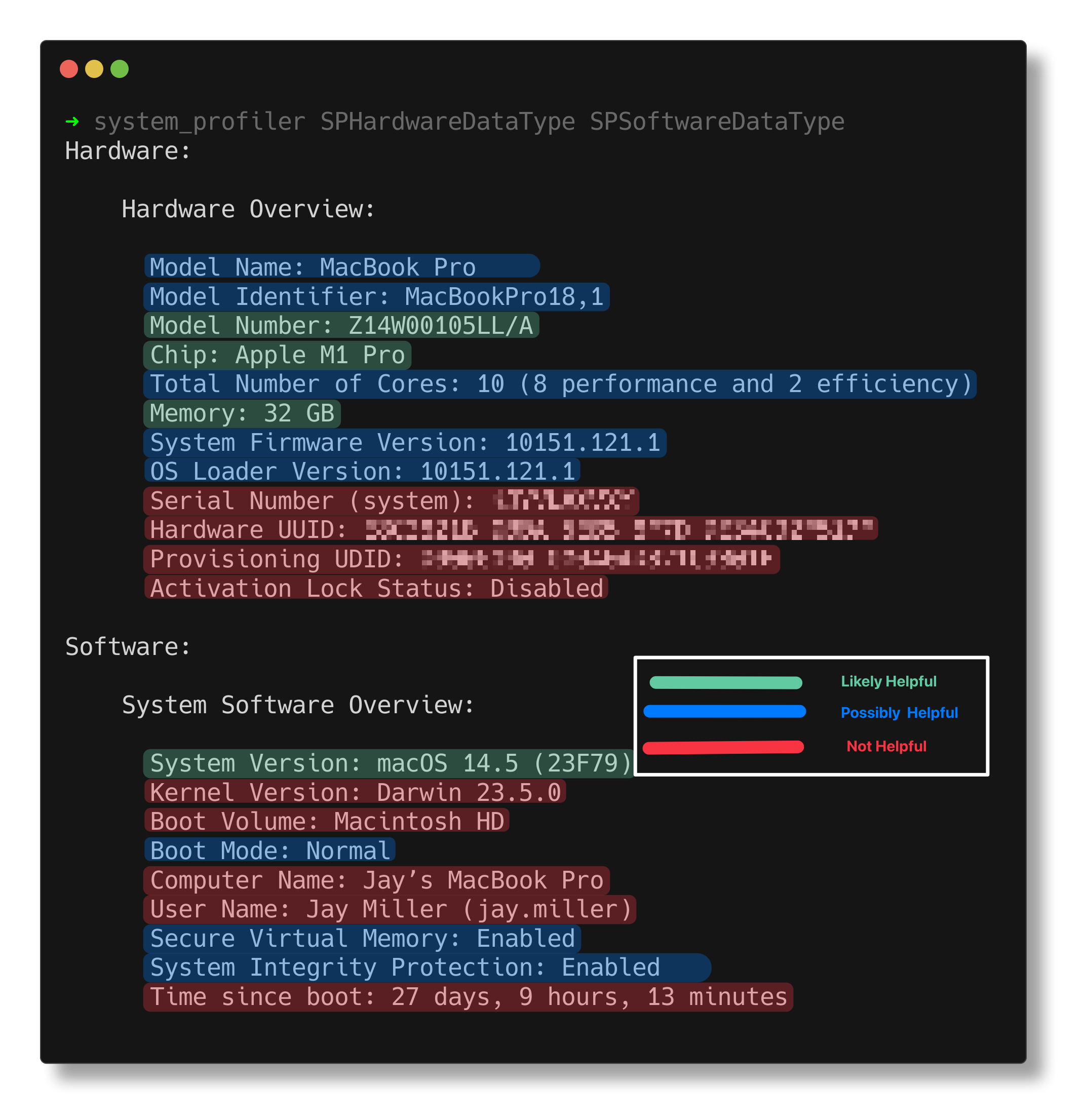
Open your terminal (if it isn't already open) and type system_profiler. This will give you a lot of information about your system. I mean A LOT.

We don't need all of it. In fact I've boiled it down to the following bits:
- Model Identifier
- Model Number
- Chip
- Memory
- System Version
These items can be found in the two sections SPHardwareDataType and SPSoftwareDataType. You can get only those sections by running:
system_profiler SPHardwareDataType SPSoftwareDataType
That gives you a much shorter entry but it's still more than what you need.
RipGrep to the rescue
RipGrep is a line-oriented search tool that recursively searches your current directory for a regex pattern. It's a more powerful version of grep in my opinion. You can install it with brew install ripgrep.
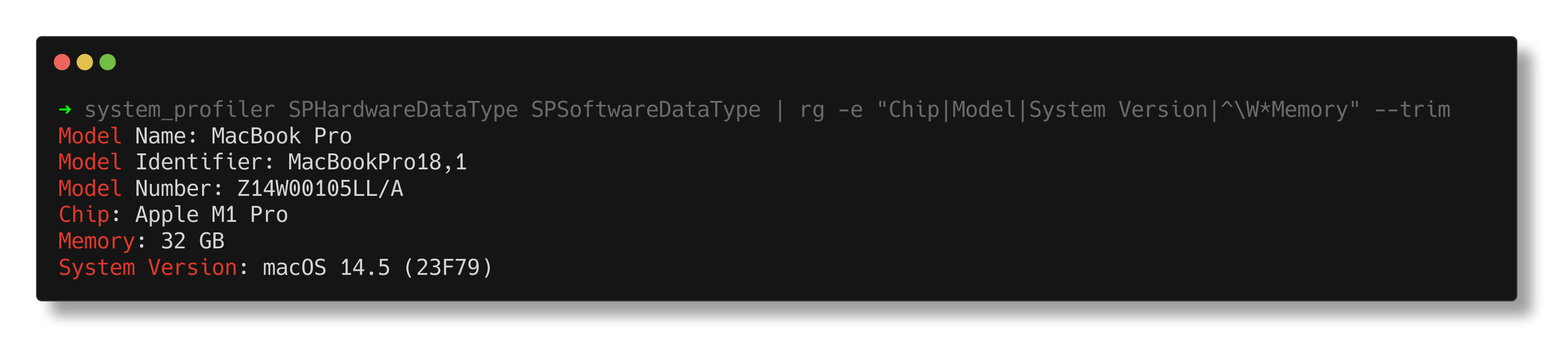
To use RipGrep with our command we pipe the output into rg:
system_profiler SPHardwareDataType SPSoftwareDataType | rg -e "Chip|Model|System Version|^\W*Memory" --trim
The -e allows you to pass in a regular expression which means you can search for multiple strings at once. The ^\w means that Memory needs to be at the beginning of the line. Lastly, the --trim removes the leading whitespace.
Let's apply the finishing touches
Let's start with piping the results to the clipboard with pbcopy. This removes the output from the terminal so we should add some feedback to let the user know that the command was successful.
system_profiler SPHardwareDataType SPSoftwareDataType | rg -e "Chip|Model|System Version|^\W*Memory" --trim | pbcopy; echo "System information copied to clipboard"
This command is kinda long so let's create an alias for it. Add the following line to your .zshrc:
alias devinfo="system_profiler SPHardwareDataType SPSoftwareDataType | rg -e 'Chip|Model|System Version|^\W*Memory' --trim | pbcopy; echo 'System information copied to clipboard'"
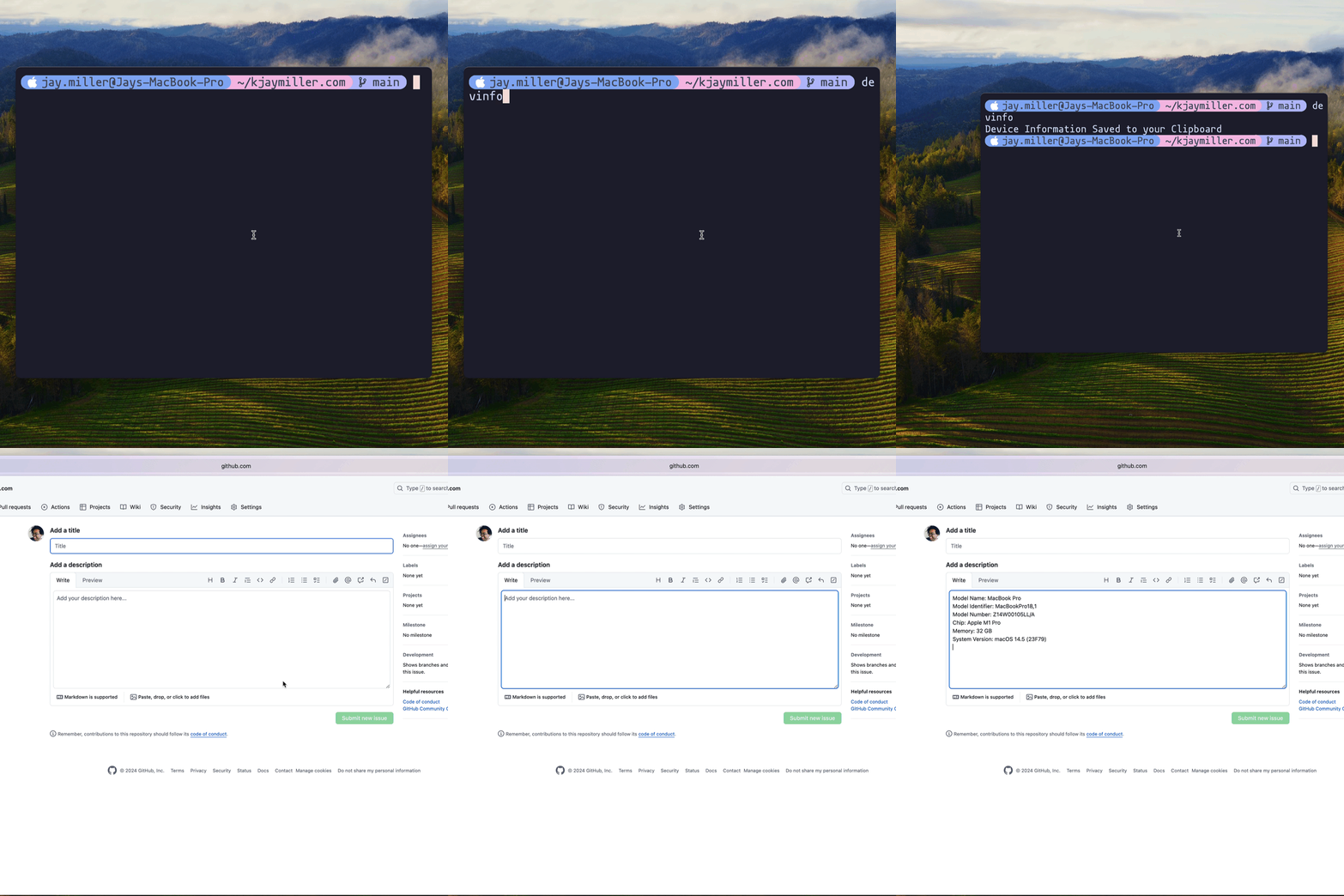
Now when you run devinfo you'll get the system information copied to your clipboard.